
AES-256 Encrypted Vault
Your vault is fully encrypted with your master password using AES-256. No one, not even us, can access your data. Everything stays local on your Mac.
MACOS PASSWORD MANAGER
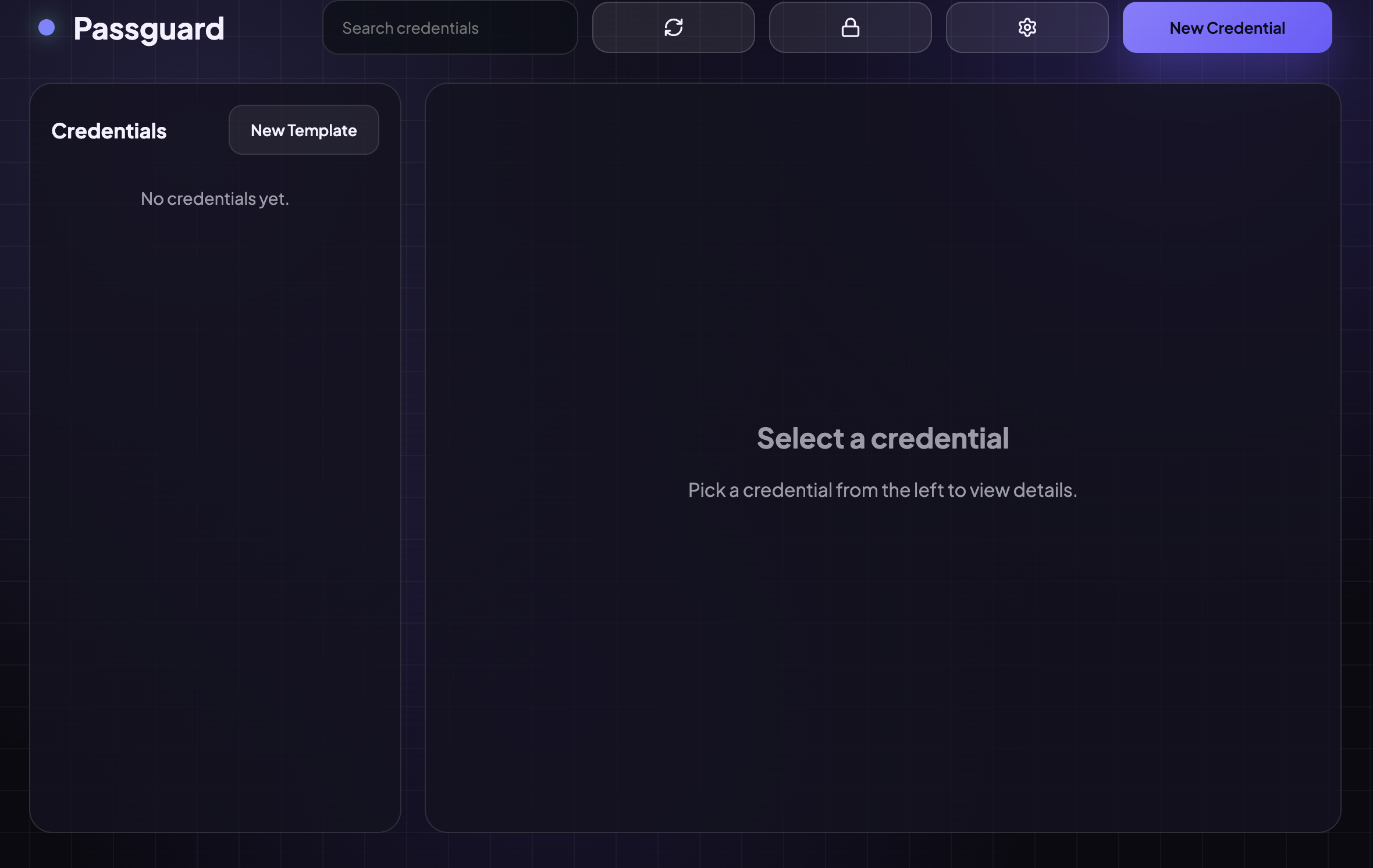
Passguard is a local-first, encrypted password manager for macOS. Store credentials with custom templates, organize in folders, and back up securely, all protected by your master password.
EVERYTHING YOU NEED
Passguard is built for people who want full control over their credentials, no cloud subscriptions, no lock-in.
Your vault is fully encrypted with your master password using AES-256. No one, not even us, can access your data. Everything stays local on your Mac.
Define reusable credential templates with custom fields. Create templates for logins, databases, SSH keys, API tokens, or anything you need.
Organize credentials into nested folders. Keep Work, Personal, Databases, and more neatly separated and easy to navigate.
Each template field can be plain text or secret (masked). Secret fields are hidden by default and require a click to reveal, keeping sensitive data off-screen.
Unlock your vault instantly with Touch ID on supported Macs. No need to type your master password every time, biometric security made simple.
Back up your encrypted vault to Supabase S3 or push it as a Git commit to GitHub over SSH. Your vault is safe even if your Mac isn't.
INSIDE THE APP
Passguard - Vault Setup
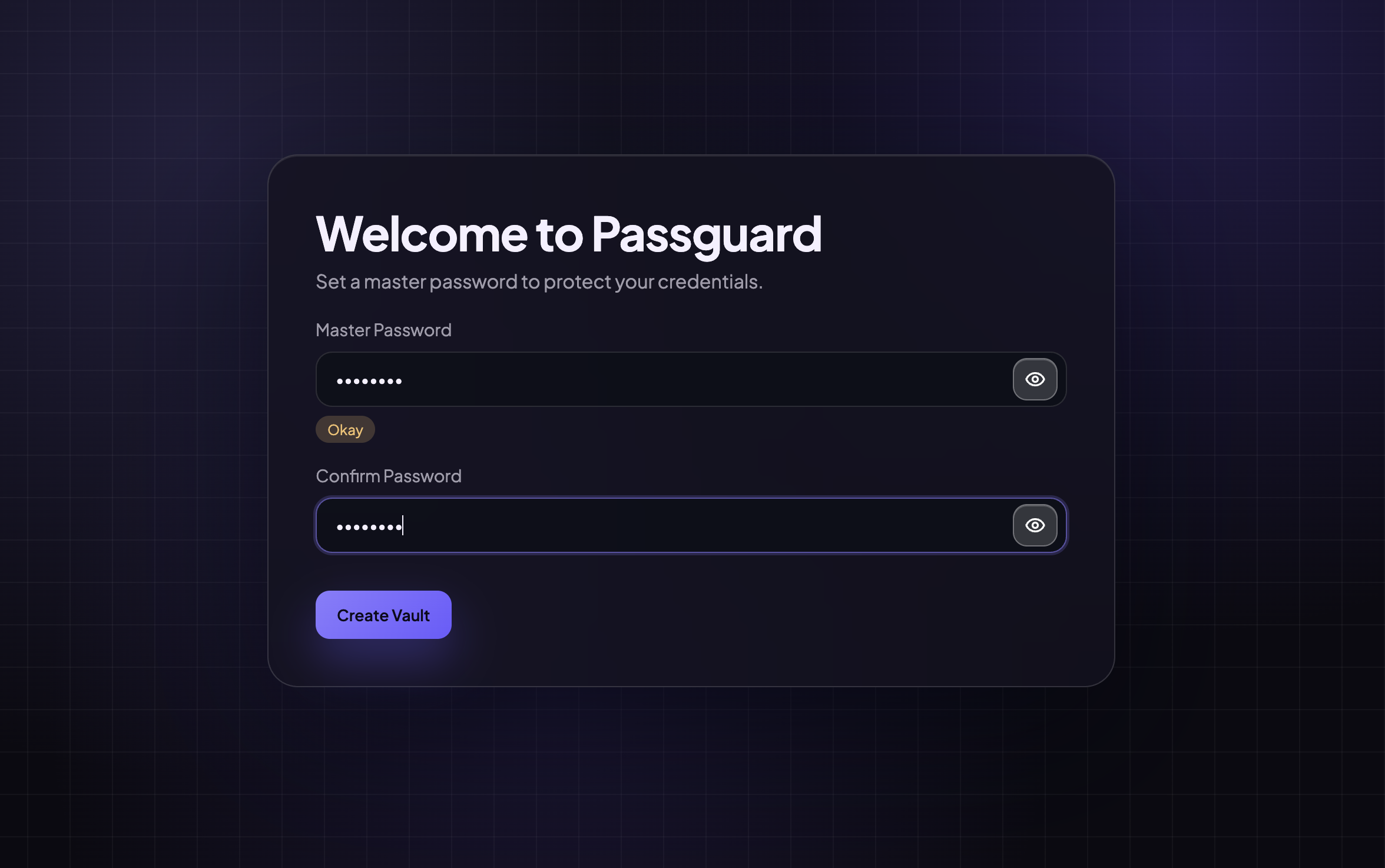
Set up your vault in seconds
Choose a master password to encrypt your vault. Passguard never stores it, you are the only keyholder.
SECURITY FIRST
Passguard is built on the principle that your passwords belong to you and only you. No cloud syncing, no accounts, no telemetry.
Your master password never leaves your device. Passguard uses it to derive the encryption key, it is never stored or transmitted.
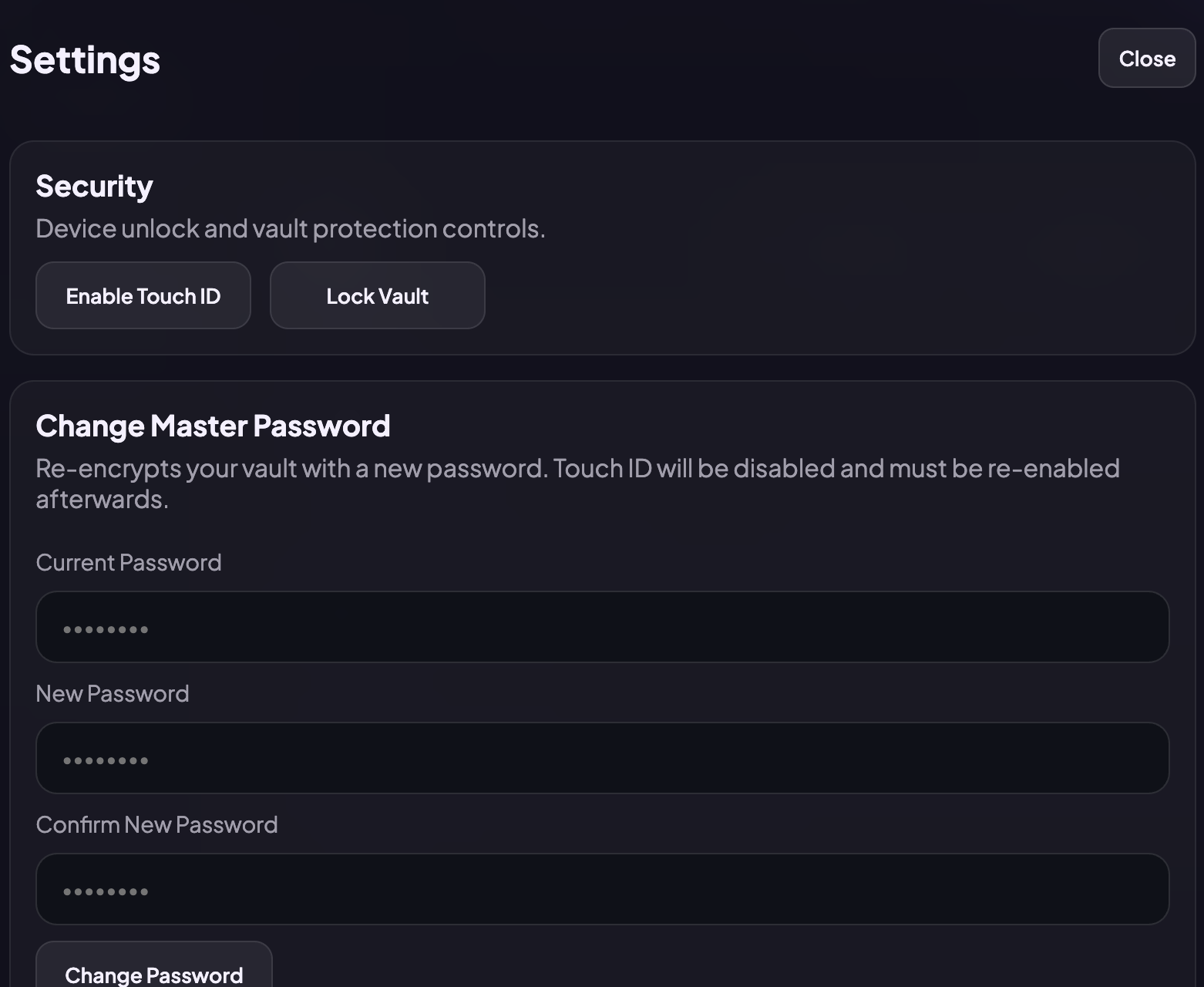
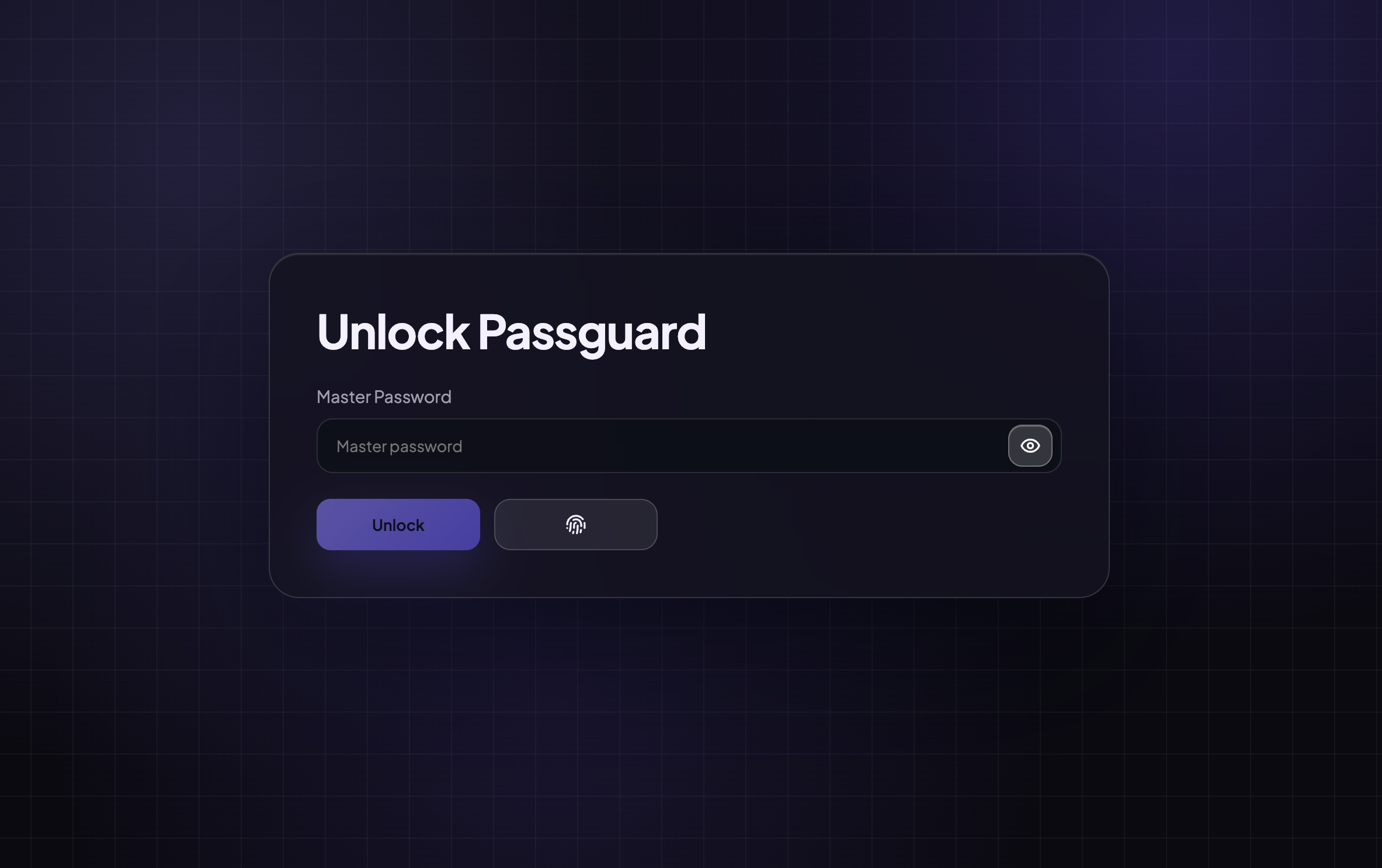
Lock your vault with a single click or set it to lock automatically. Credentials are inaccessible until you authenticate again.
Enable Touch ID to authenticate instantly using macOS's Secure Enclave, no typing required, maximum convenience without sacrificing security.
When you change your master password, Passguard re-encrypts the entire vault with the new key. Old keys are discarded immediately.
ALWAYS BACKED UP
Your vault is always encrypted before leaving your device. No matter which backup method you choose, only you can decrypt it.
Settings - Backup
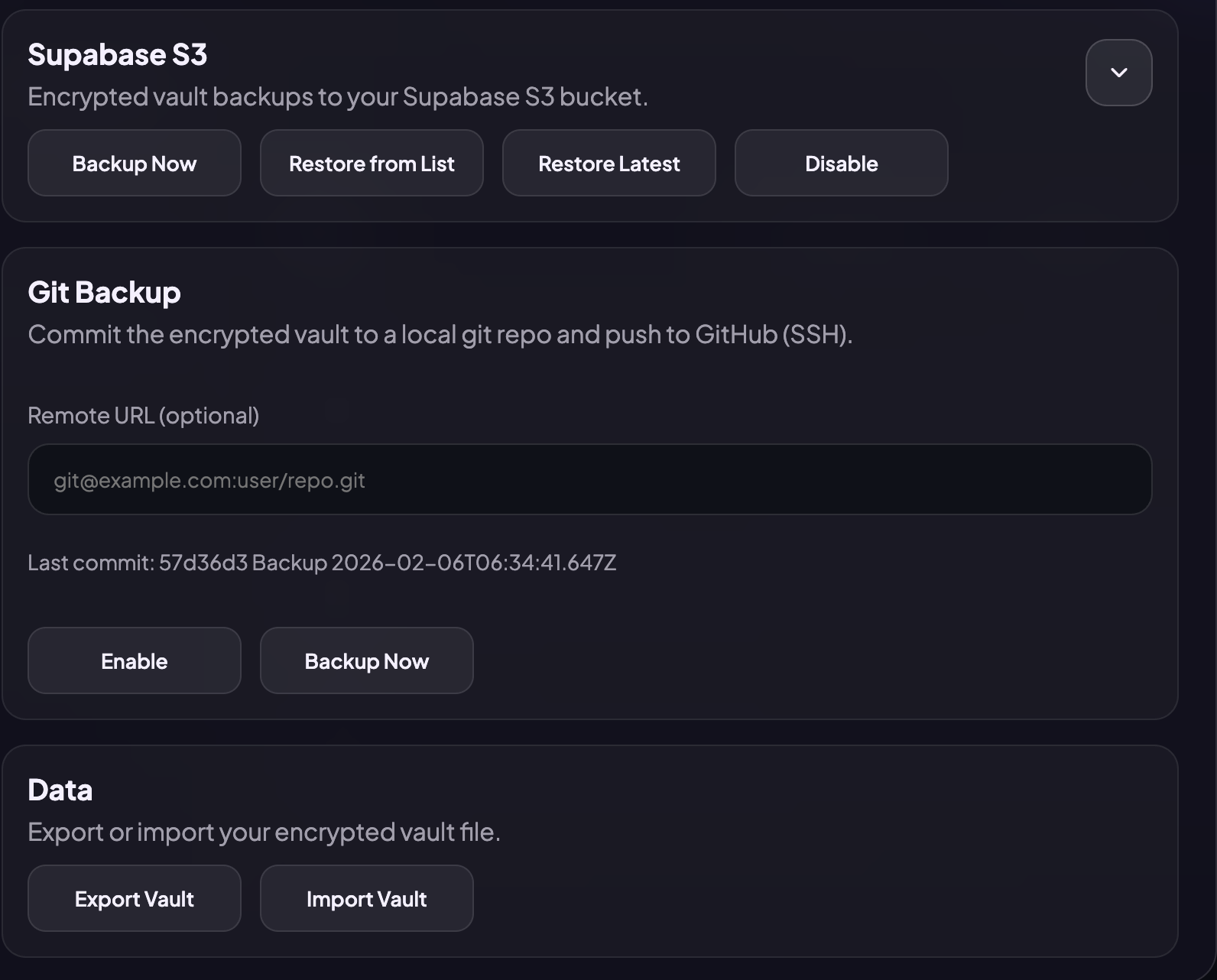
Connect your Supabase project and back up the encrypted vault to your S3 bucket. Restore from a list of snapshots or grab the latest one.
Commit the encrypted vault to a local git repo and push to GitHub over SSH. Every backup is a git commit, versioned, auditable, and under your control.
Export and import encrypted vault files anytime. Keep snapshots on external drives or offline storage as an extra recovery path.
Free, local-first, and open to inspect. Install the DMG, set your master password, and your vault is ready in under 60 seconds.
Download for macOS.DMGSUPPORT THE PROJECT
Passguard is free and built with love in spare time. If it saves you time or stress, consider a small donation, it means the world and helps keep development going.
You'll be redirected to Buy Me a Coffee to complete your donation securely. No account needed. All major cards accepted.